Sale!
Categories: Office equipement, Router
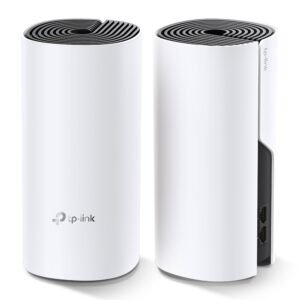
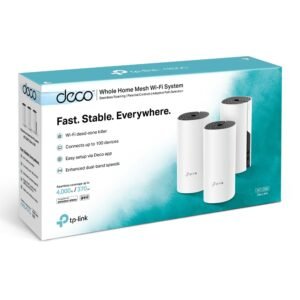
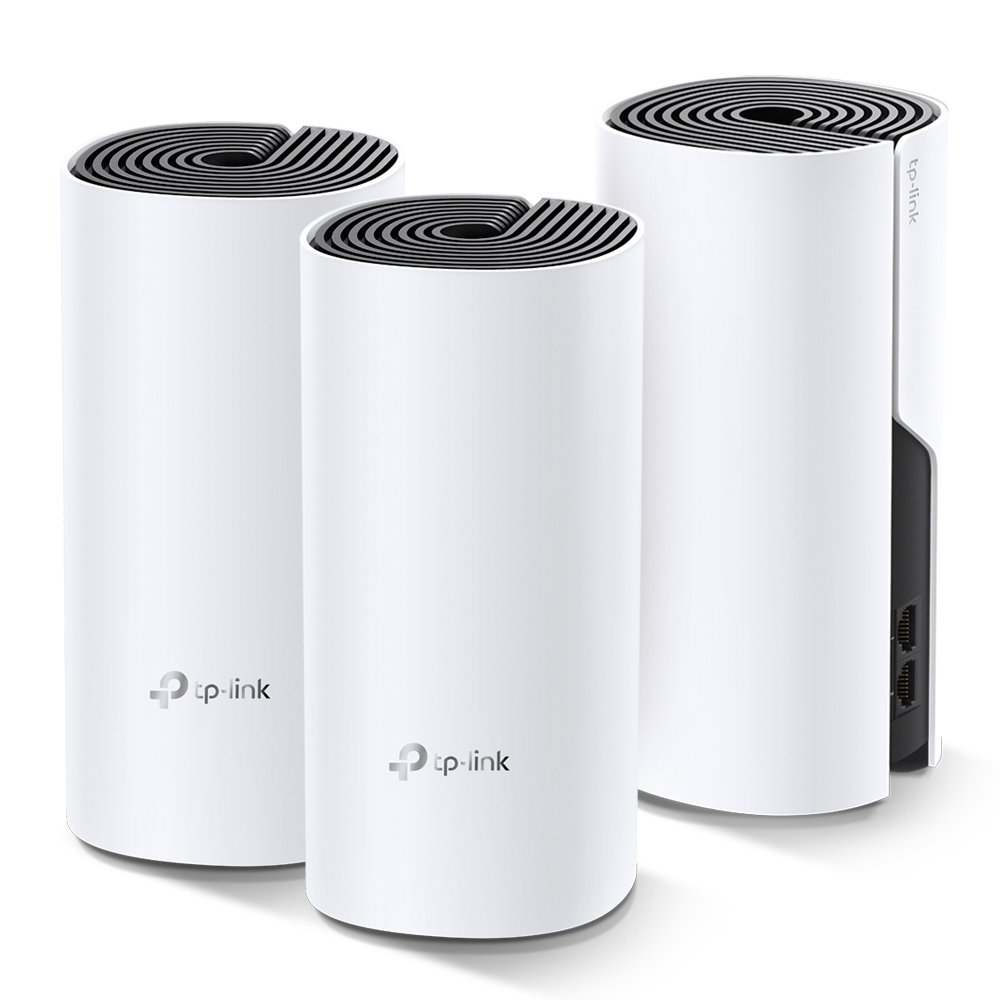
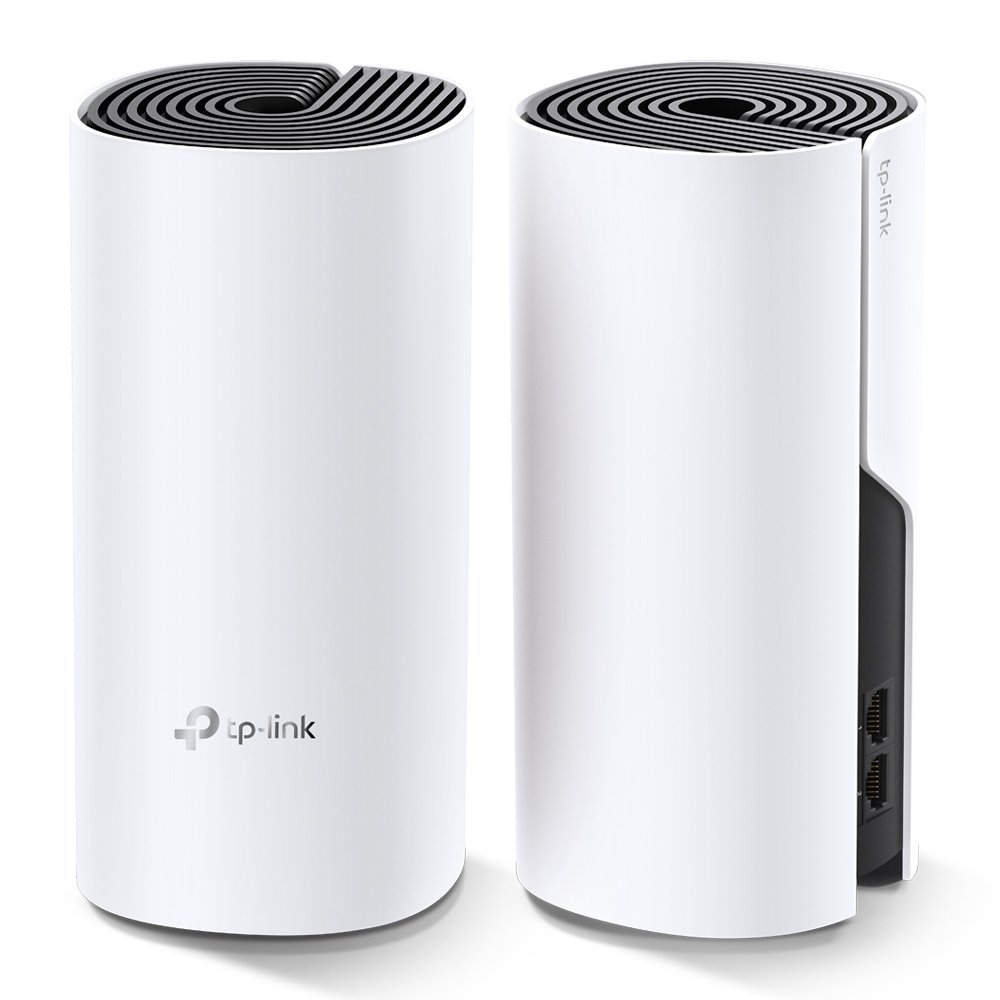
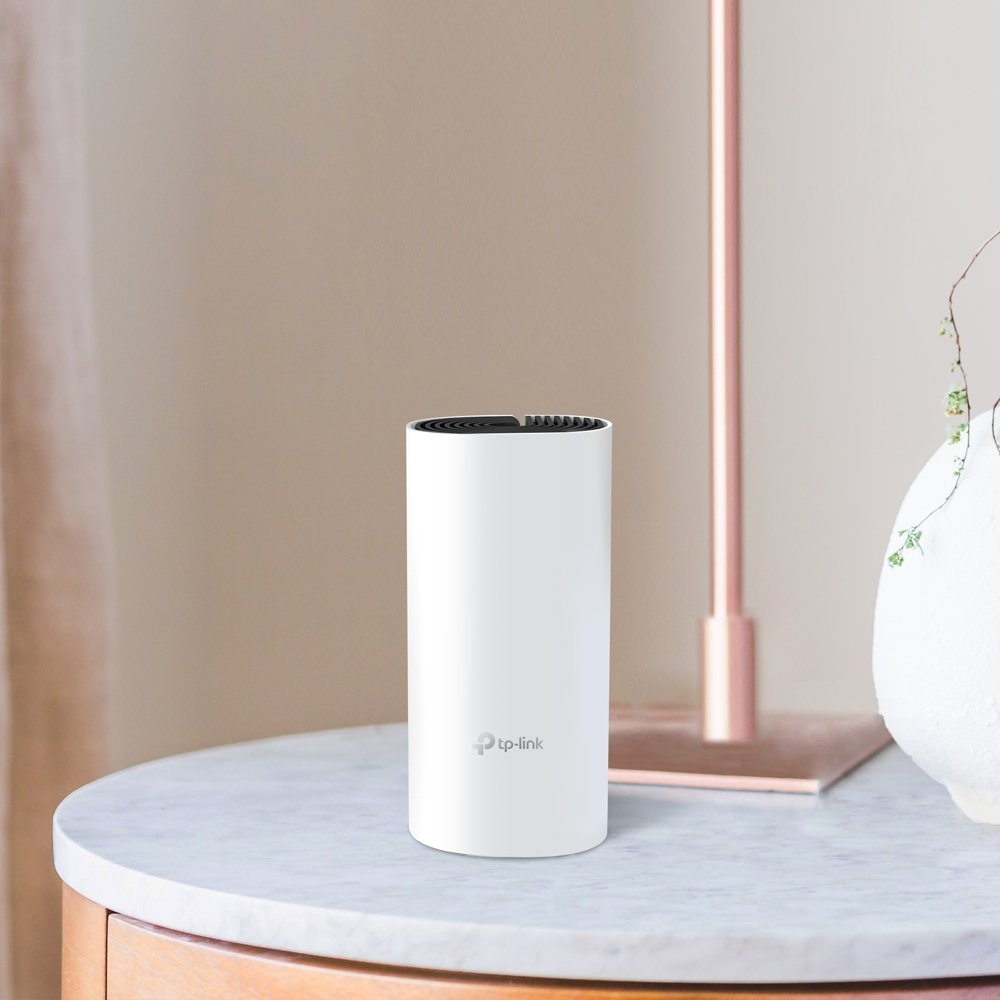
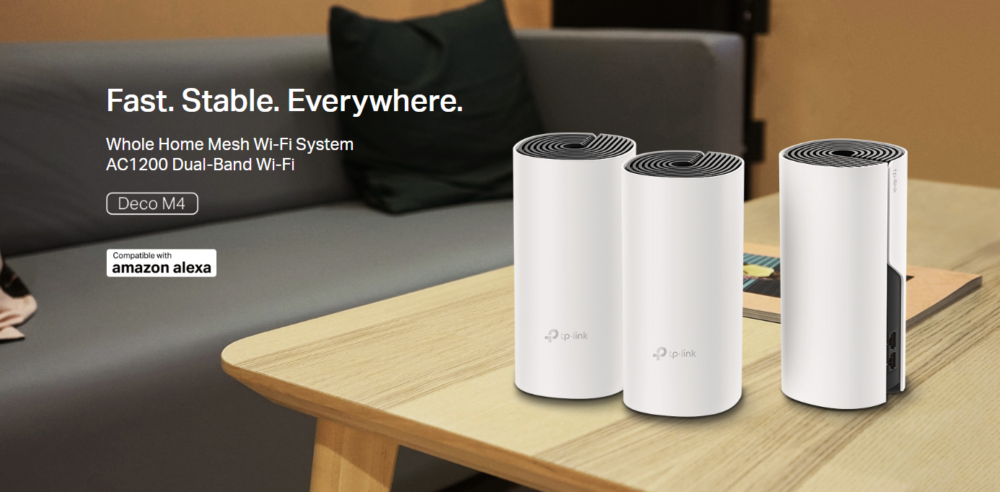
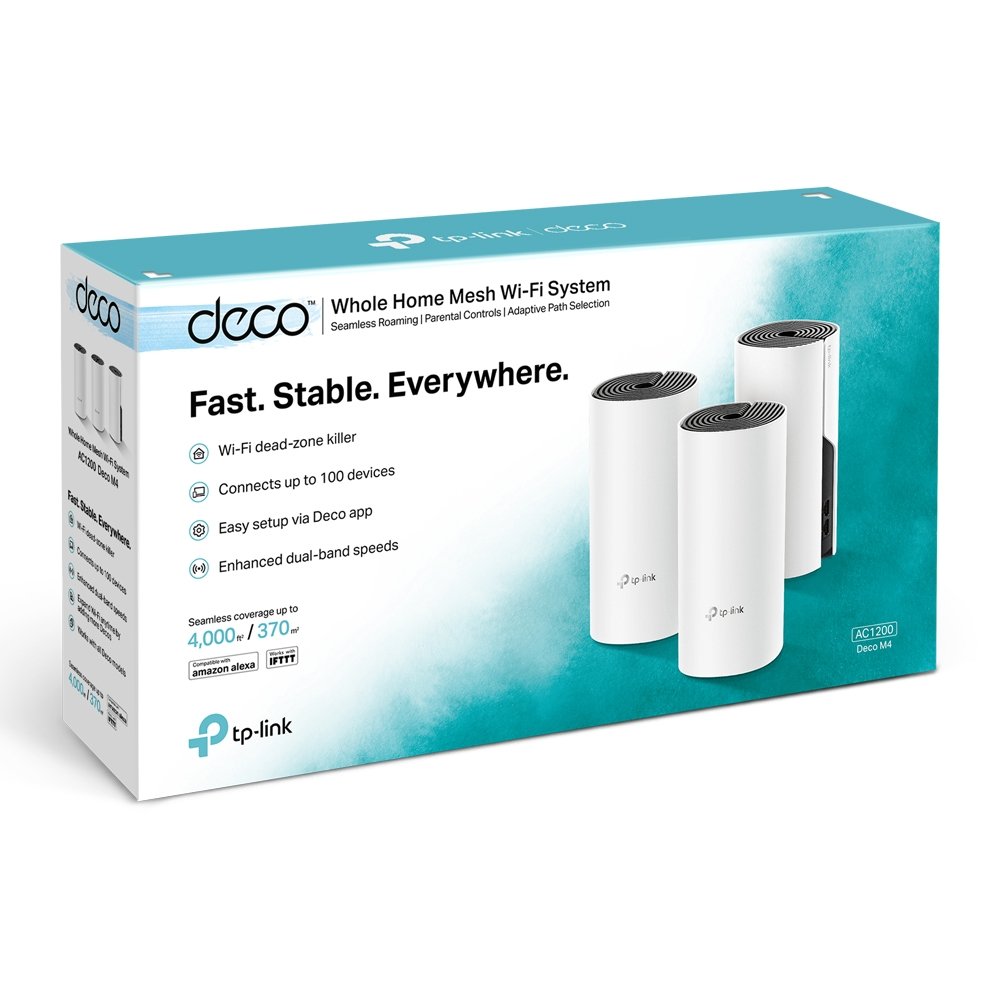
TP-Link Deco M4 Whole Home Mesh Wi-Fi System, Seamless and Speedy Up To 2800 Sq ft coverage, Work with Amazon Echo/Alexa, Router and Wi-Fi Booster Replacement, Parent Control
Price range: AED 140 through AED 360
Model: Deco M4
Wi-Fi Standard: IEEE 802.11ac (Wi-Fi 5)
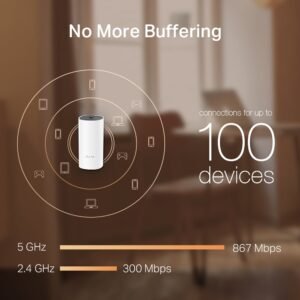
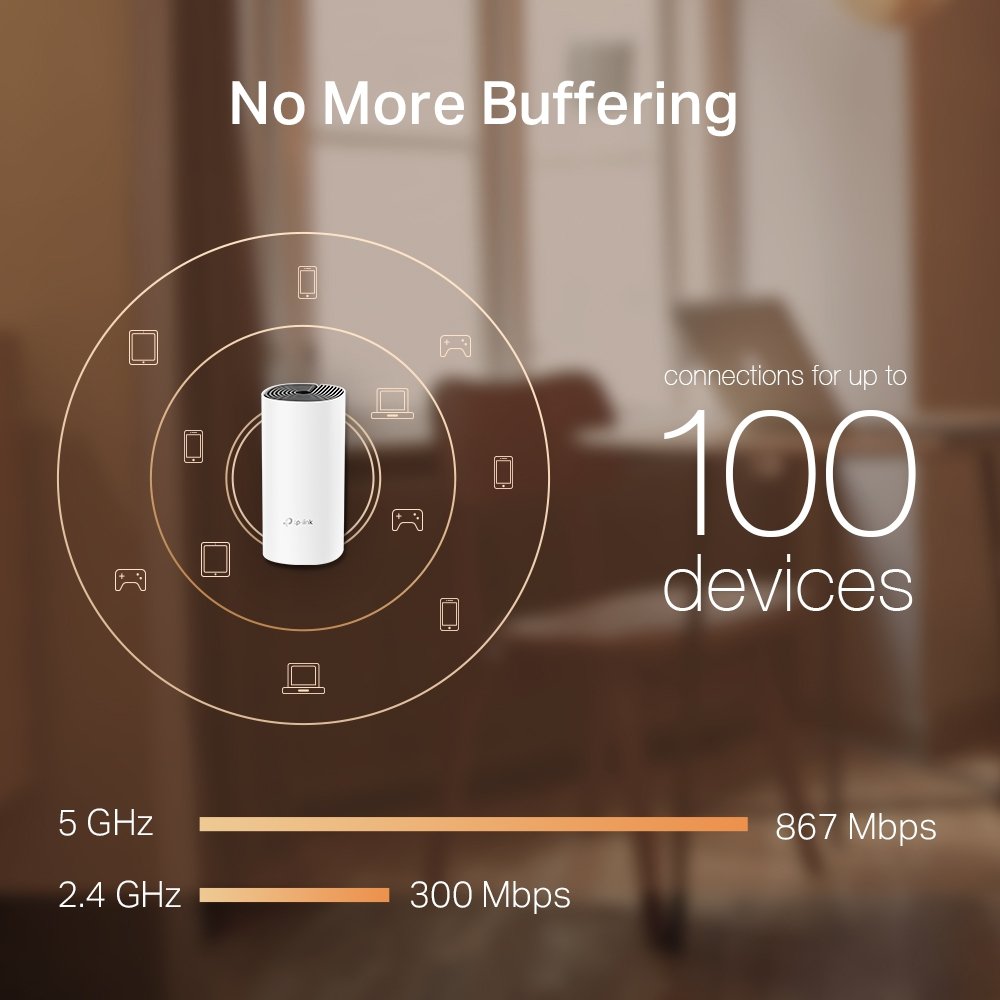
Speed: AC1200 (867 Mbps on 5 GHz + 300 Mbps on 2.4 GHz)
Coverage: Up to 2,000 sq. ft. (single unit)
Ports: 2× Fast Ethernet Ports per unit
Security: WPA2-PSK Encryption
Mode Support: Router Mode / Access Point Mode
Parental Controls: Yes (Basic Controls)
Guest Network: Supported
About This Item:
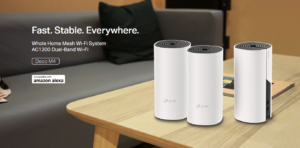
- The TP-Link Deco M4 (1-Pack) provides seamless whole-home Wi-Fi coverage with reliable mesh technology.
- It delivers AC1200 dual-band speeds, ensuring smooth browsing, streaming, and gaming.
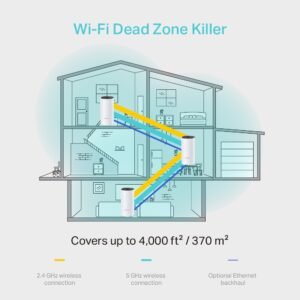
- Covers up to 2,000 sq. ft., ideal for apartments and small homes.
- Supports seamless roaming, so devices automatically connect to the strongest node.
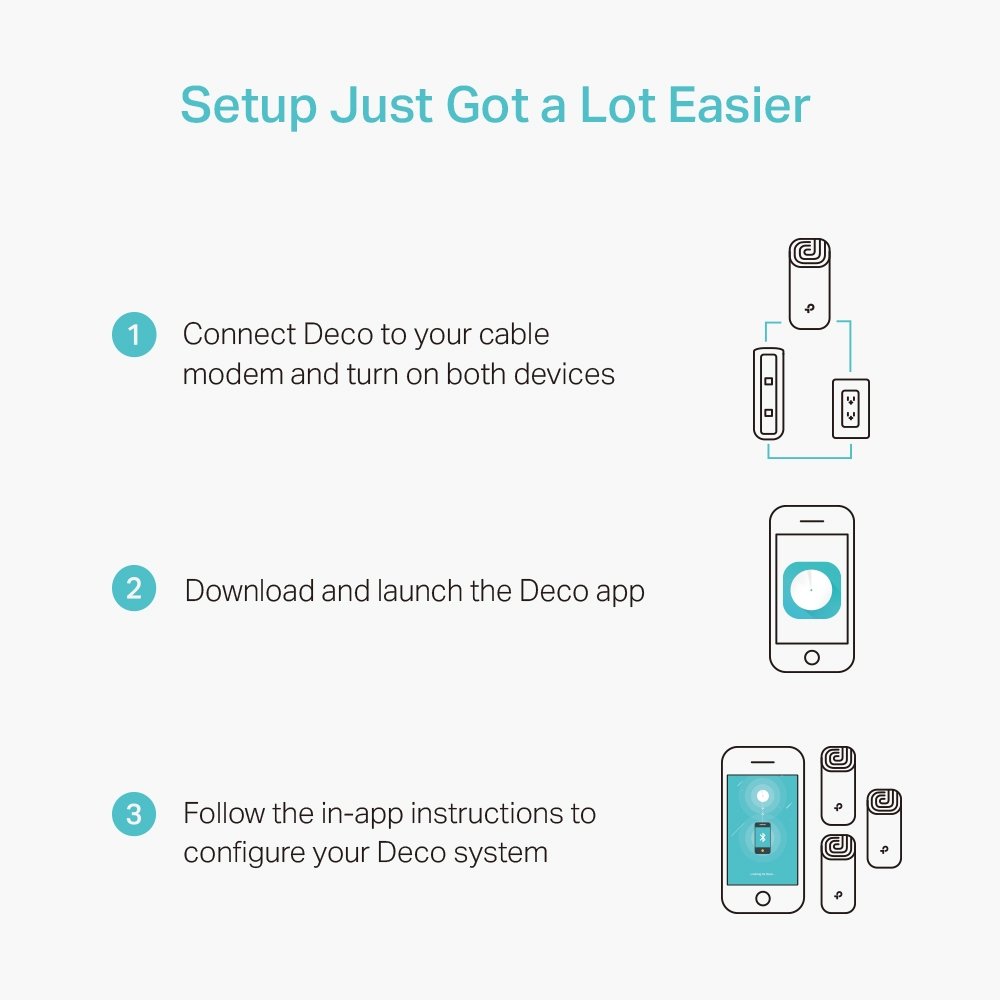
- Easy setup and management through the Deco mobile app.
- Works in both Router Mode and Access Point Mode for flexible installation.
- Supports up to 100 connected devices in a mesh setup.
- Includes Parental Controls and Guest Network for better network management.
- Compatible with Amazon Alexa for voice control.
- Uses TP-Link Mesh Technology for stable and unified Wi-Fi experience.
Description for Deco M4 Router
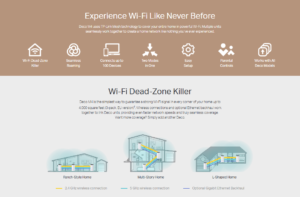
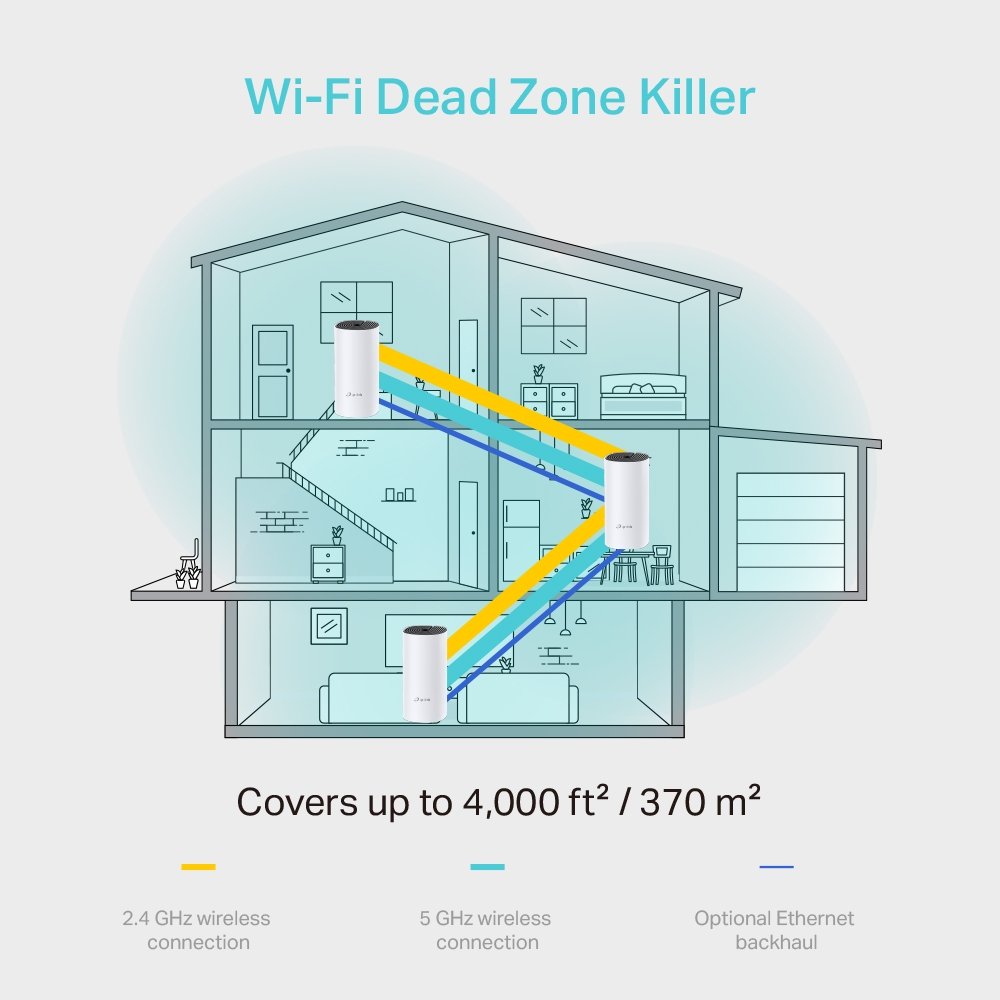
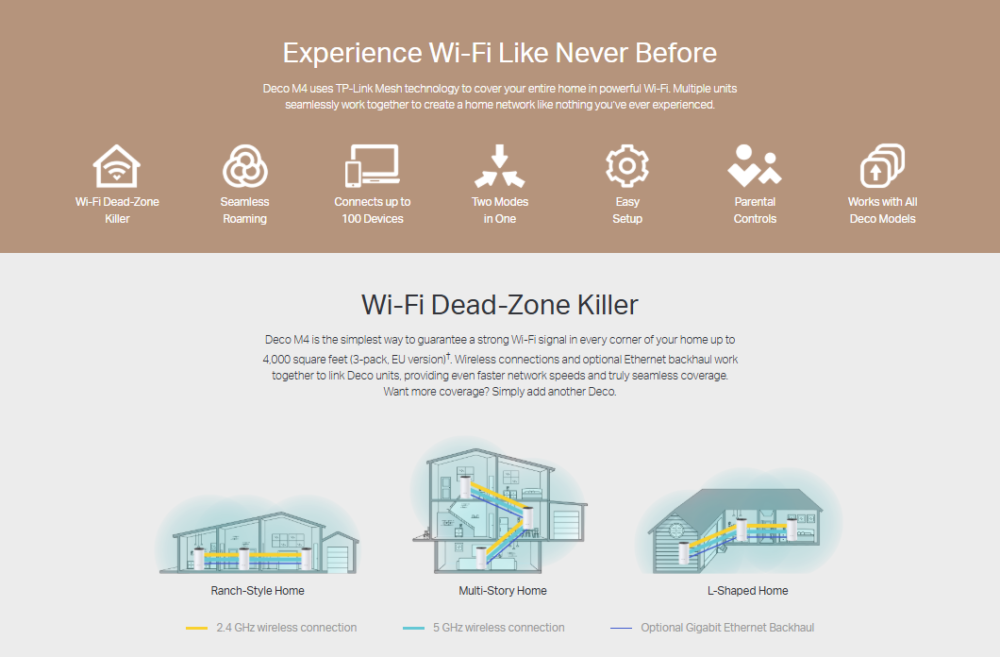
The TP-Link Deco M4 (1-Pack) is a powerful whole-home mesh Wi-Fi system designed to eliminate dead zones and provide stable, seamless internet coverage throughout your home. Powered by Wi-Fi 5 (802.11ac) technology, it delivers combined speeds of up to AC1200, making it ideal for HD streaming, online gaming, and everyday browsing without interruptions.
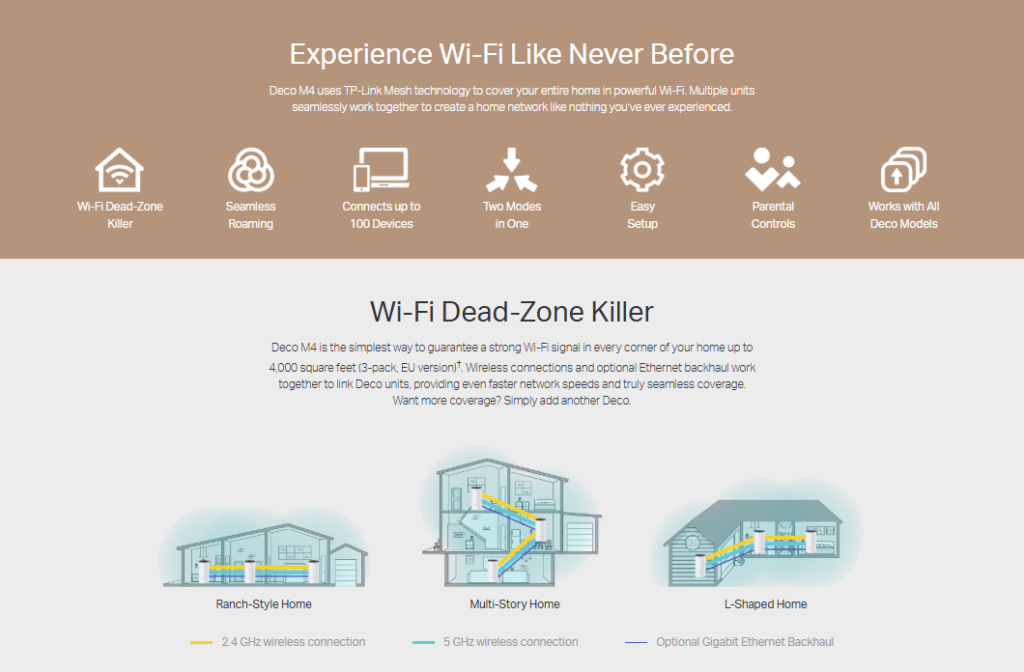
Unlike traditional routers, Deco M4 uses advanced mesh technology to create a single unified Wi-Fi network, allowing devices to automatically switch between units without dropping the connection. This ensures smooth roaming as you move from room to room.
Wireless Features
| Category | Details |
|---|---|
| Standards and Protocols | Wi-Fi 5 IEEE 802.11ac/n/a (5 GHz) IEEE 802.11n/b/g (2.4 GHz) |
| WIFI Speeds | AC1200 5 GHz: 867 Mbps (802.11ac) 2.4 GHz: 300 Mbps (802.11n) |
| WIFI Range | 3–5 Bedroom Houses (3-pack) |
| Mesh Technology | TP-Link Mesh Technology Optional Ethernet backhaul connects Deco units for seamless coverage |
| Antennas | 2× Internal Antennas Signal-boosting array for wider coverage |
| Beamforming | Yes Focuses wireless signal toward connected devices for better range and stability |
| WIFI Capacity | Medium |
| Dual-Band | Yes Smart distribution of devices across 2.4 GHz and 5 GHz bands for optimal performance |
| MU-MIMO | Supported Enables simultaneous communication with multiple MU-MIMO clients |
| Working Modes | Router Mode Access Point Mode |
Security Features
| Category | Details |
|---|---|
| Network Security | SPI Firewall Access Control |
| Guest Network | 1× 5 GHz Guest Network 1× 2.4 GHz Guest Network |
| Wi-Fi Encryption | WPA-Personal WPA2-Personal |
Hardware Features
| Category | Details |
|---|---|
| Ethernet Ports | 2× Gigabit Ports (Per Deco Unit) Supports WAN/LAN auto-sensing |
| Buttons | Reset Button |
Software Features
| Category | Details |
|---|---|
| Protocols | IPv4 IPv6 |
| Parental Controls | URL Filtering Time Controls |
| WAN Types | Dynamic IP Static IP PPPoE PPTP L2TP |
| Quality of Service | QoS by Device |
| Cloud Service | OTA Firmware Upgrade TP-Link ID DDNS |
| NAT Forwarding | Port Forwarding UPnP |
| IPTV | IGMP Proxy IGMP Snooping Bridge Tag VLAN |
| DHCP | Address Reservation DHCP Client List Server |
| DDNS | TP-Link |
| Management Features | Deco App |
Other Features
| Category | Details |
|---|---|
| Web Server | Manage and configure device through web (HTTP/HTTPS) Port: 80 / 443 Protocol: TCP |
| DNS | DNS Service Port: 53 Protocol: TCP & UDP |
| DHCP Server | IP address assignment (DHCP) Port: 67 Protocol: UDP |
| App Management | Manage and configure device through app Port: 22 (TCP) Port: 20001 (TCP) Port: 30001 (TCP) Port: 20002 (UDP) |
Physical Features & Other Information
| Category | Details |
|---|---|
| Dimensions (W×D×H) | 3.6 × 3.6 × 7.5 in (90.7 × 90.7 × 190 mm) |
| Package Content | Deco M4 (3-Pack) • 3 Deco M4R Units • 1 RJ45 Ethernet Cable • 3 Power Adapters • 1 Quick Installation GuideDeco M4 (2-Pack) • 2 Deco M4R Units • 1 RJ45 Ethernet Cable • 2 Power Adapters • 1 Quick Installation GuideDeco M4 (1-Pack) • 1 Deco M4R Unit • 1 RJ45 Ethernet Cable • 1 Power Adapter • 1 Quick Installation Guide |
| System Requirements | Android 5.0 or later iOS 9.0 or later *Minimum requirements may change with app updates |
| Certifications | CE, FCC, IC, NCC, BSMI, IDA, RCM, JPA, JRF, VCCI, KC, RoHS |
| Environment | Operating Temperature: 0℃~40℃ (32℉~104℉) Storage Temperature: -40℃~70℃ (-40℉~158℉) Operating Humidity: 10%~90% non-condensing Storage Humidity: 5%~90% non-condensing |
Conclusion:
With coverage of up to 2,000 sq. ft. per unit, the Deco M4 is perfect for small to medium-sized homes. It also supports flexible installation modes including Router Mode and Access Point Mode, making it suitable for a wide range of internet setups.
The system is fully managed through the user-friendly Deco mobile app, allowing easy setup, real-time monitoring, and network control from anywhere. It also supports parental controls, guest network creation, and device management for better control over your home network
Installation & Configuration:
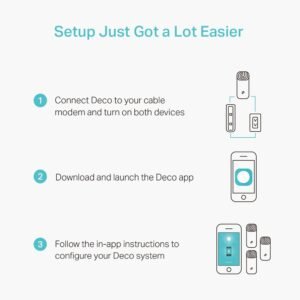
The TP-Link Deco M4 supports simple app-based installation through the Deco App. Connect the unit to your modem, follow the guided setup process, and create a secure WiFi network in just a few minutes. Users can easily manage WiFi settings, guest networks, parental controls, and connected devices directly from the app, making network administration simple for both home and small office environments.
For further assistance you can ask for help from Neumoon Team.
| Select No of pieces | Deco M4 (1 piece ), (Deco M4 2 piece ), (Deco M4 3 piece) |
|---|
There are no reviews yet.
Recently Viewed
Quick View
Wishlist
Compare